
Every enquiry, with someone on it and a next step
Enquiries from your website, the phone and referrals land on one board. Each has an owner and a next action, and when it is worth pricing, one step makes the project and its estimate.
What it does
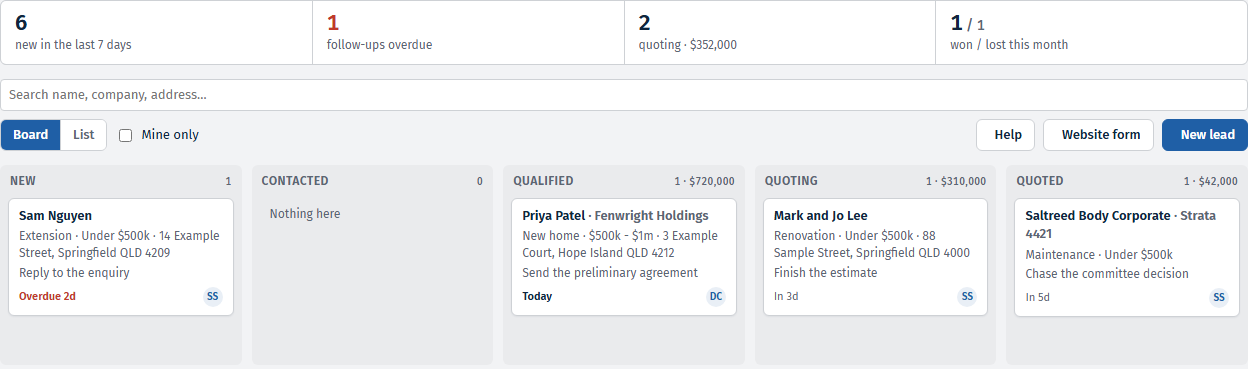
One board for every enquiry
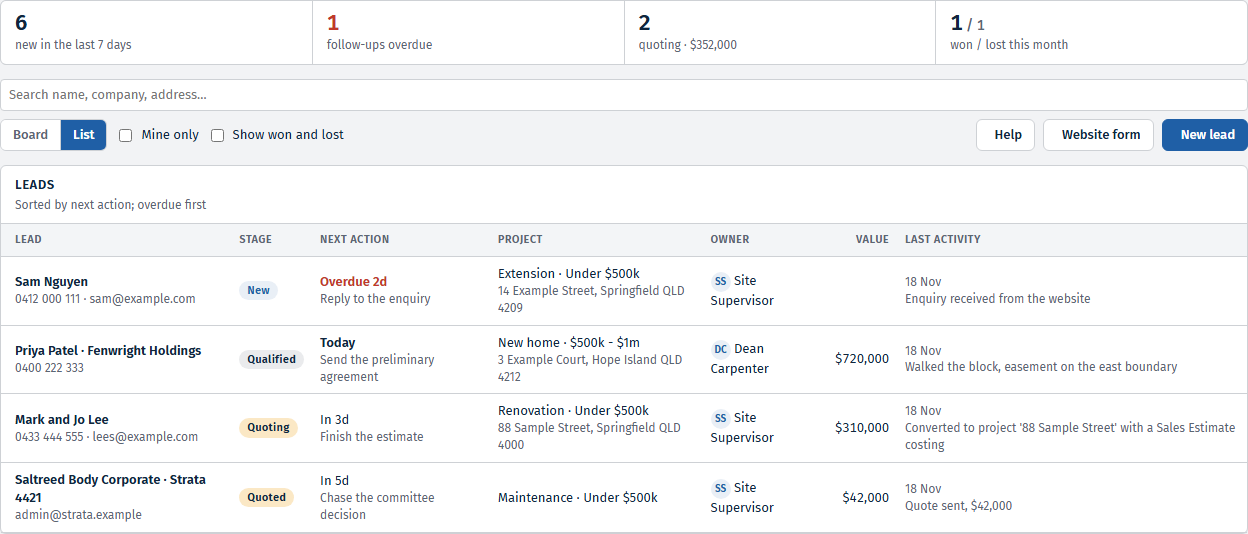
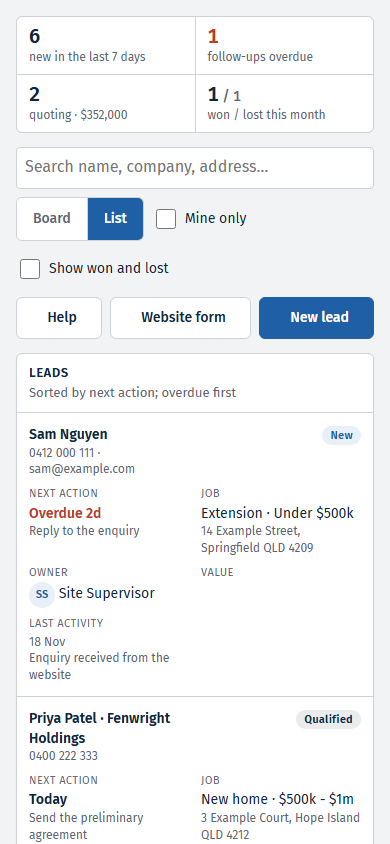
New, contacted, qualified, quoting and quoted, with the count and the value in each column. Or a list sorted by next action, overdue first.
A next action on each
Every lead has an owner, a next action and a date. Calls, emails, meetings, site visits and notes are logged on it, newest first.
One step to a priced project
Convert to quote makes the project and its estimate, blank or from one of your templates. Or link the lead to a project that already exists.
How it works
The enquiry lands
From your website form, or typed in from a call.
Someone owns it
New enquiries go to the person you choose, with a copy by email.
Work it
Log each call and visit. Set the next action and its date.
Convert to quote
The project and its estimate are made, and the lead moves to Quoting.
Won or lost
Lost asks why, so you can see where work goes.
On the screen
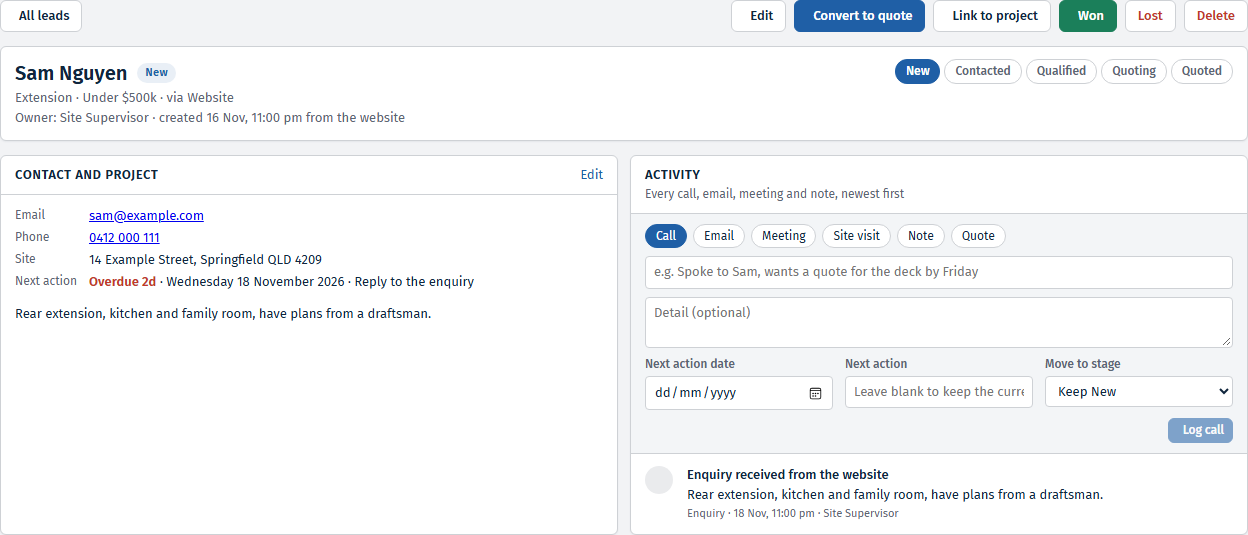
The stages of a lead
Connected to the rest of the job
A lead stays attached to the project it became, so the history of how the job was won is one click from the estimate.
Questions builders ask
Can enquiries come straight from our website?
Yes. Settings give you a ready-made enquiry form to paste into your site, or an address to point your existing form at. You choose who owns new enquiries and who gets an email copy of each.
What if the project already exists?
Link the lead to it instead of converting. The lead and its history stay attached to the project.
Who sees the value of each lead?
Only people allowed to see it. Everyone else sees the board without the values.
What happens when we lose one?
Mark it lost and pick the reason, such as price too high, went with another builder or timing, or type your own. A closed lead can be reopened.
See it on a project like yours
An hour with the people who build it. Bring a current job; we will walk it from subcontract to claim. Then try it yourself for 30 days, on a project of your own.