
Know the final cost and the margin every month, not at the end of the job
Every cost code with its budget, what is ordered, what is spent and what is still to come. The project manager checks the cost to complete, closes the month, and next month shows what moved and why.
What it does
Budget's own figures
Original budget, approved variations, committed orders and subcontracts, and actual cost from invoices, timesheets and owned plant. The same figures Budget shows, so nobody argues about which is right.
A cost to complete you decide
Each code starts with a suggestion or last month's forecast, clearly marked. Type your own figure or confirm what is shown, and your name goes with it.
A month that stays closed
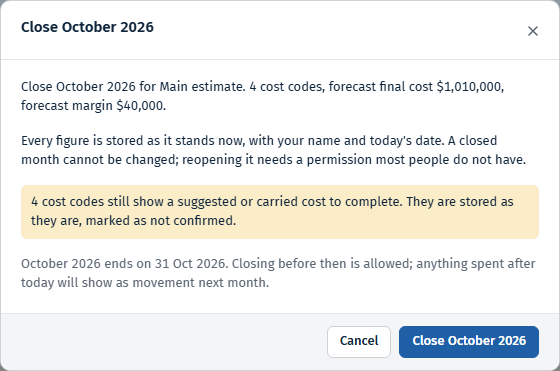
Closing a month keeps every figure as it stood, with who closed it and when. Next month shows the movement on every code, with a note on why.
How it works
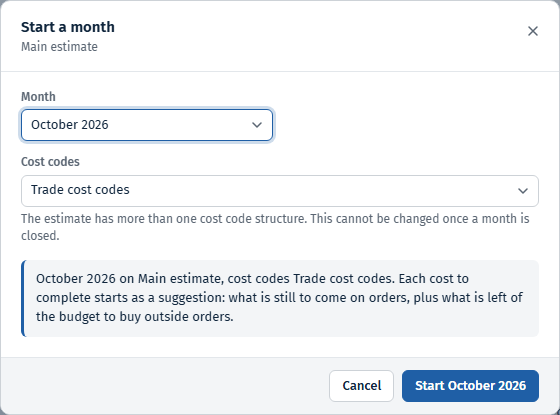
Start the month
On the estimate, on one cost code structure.
Check what is over
Filter to codes over budget or that moved, or find a code.
Set the cost to complete
Type it, or confirm the suggestion or last month's figure.
Say why it moved
A note on each code, and one on the month.
Close the month
Every figure kept. Print the report or save it for Excel.
On the screen
One table of cost codes, rolled up by level, with the figures that matter across the top. The cost to complete is typed straight into the row, and Enter moves to the next code, so a whole column can be keyed in.
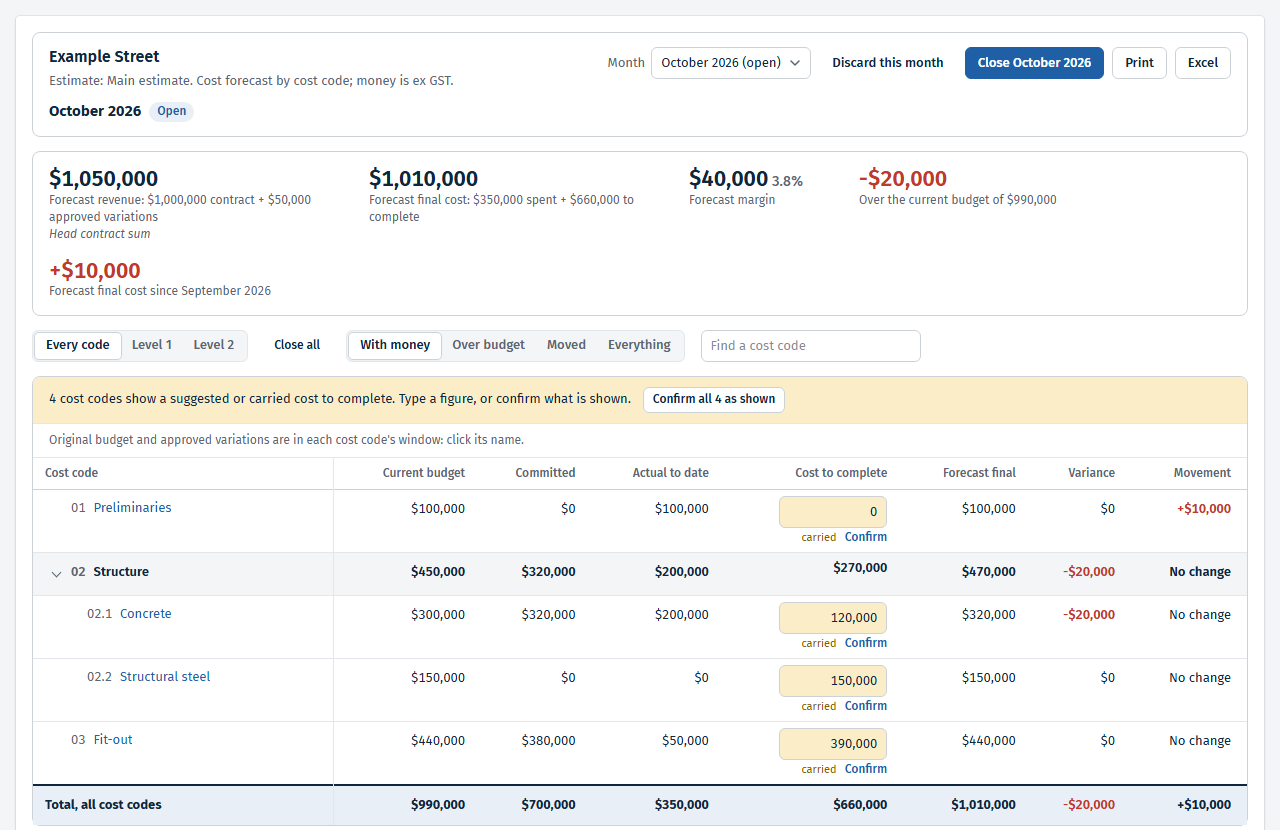
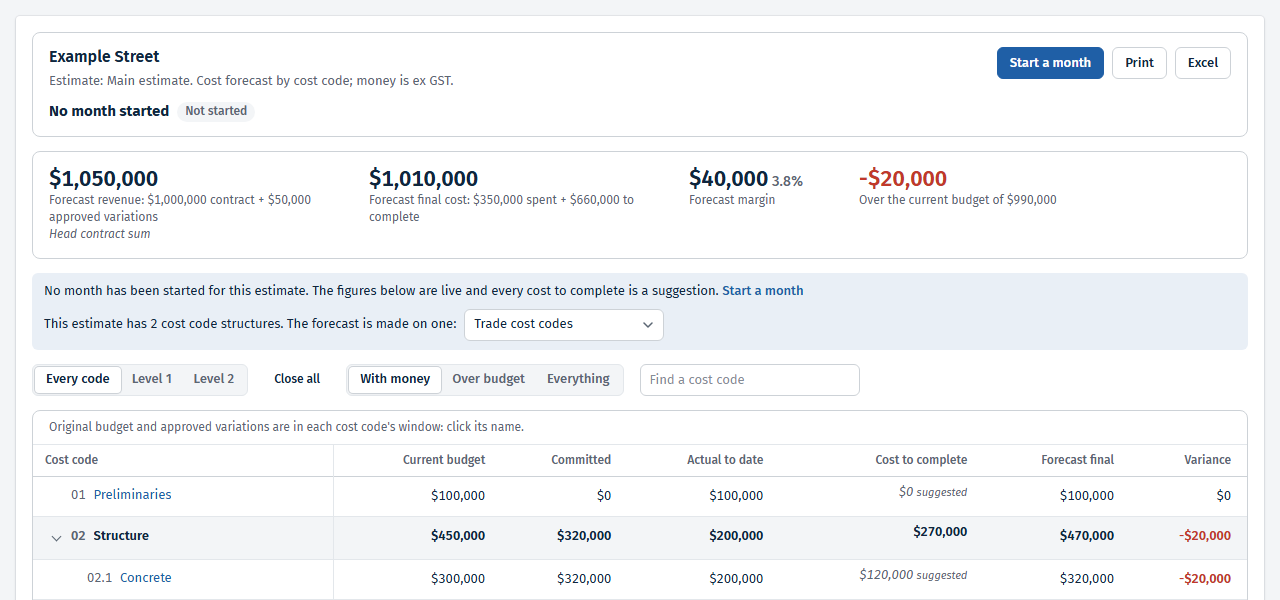
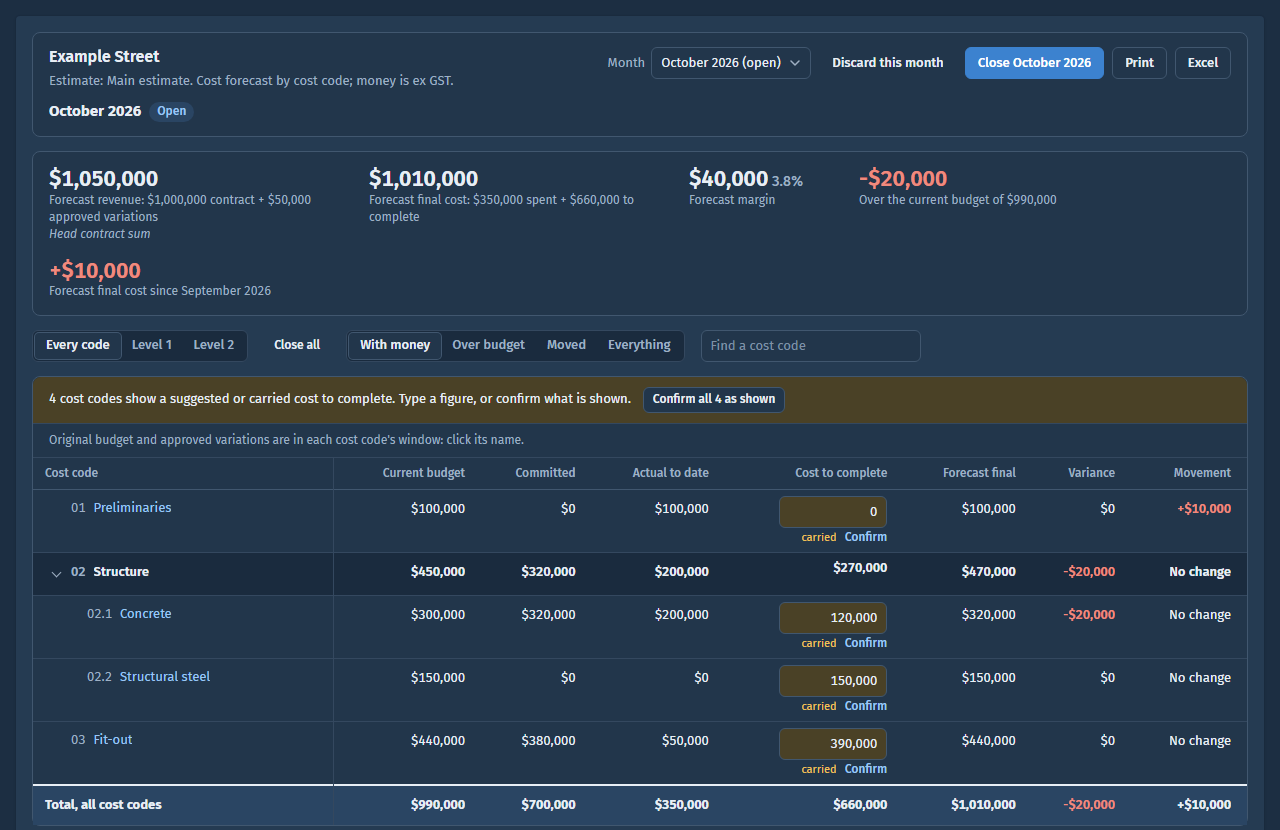
Where a cost to complete comes from, always shown
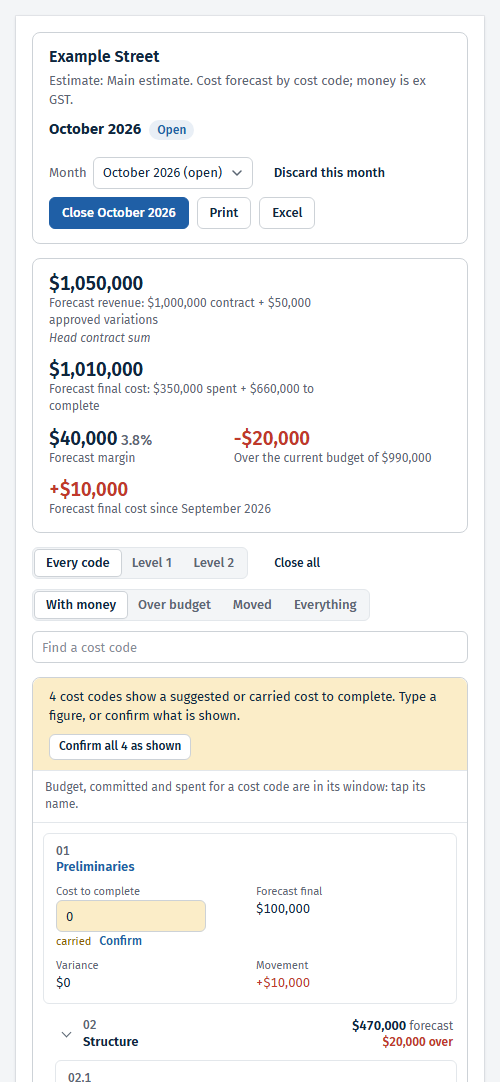
On a phone each cost code is a card with its cost to complete, forecast final, variance and movement. The rest is in the code's window, a tap away.
A cost code's window, and the month's windows
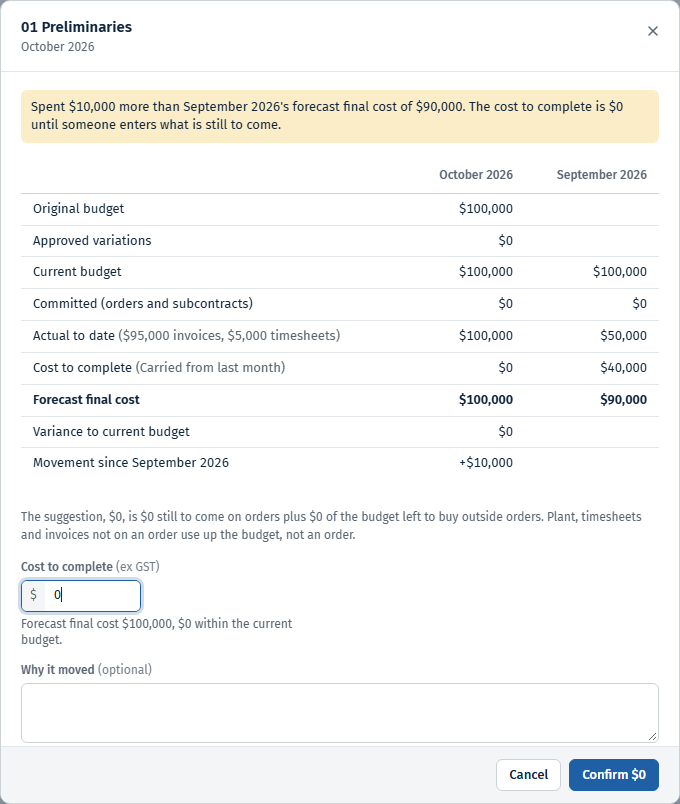
How the forecast is worked out
A month's steps
Connected to the rest of the job
Cost Forecast reads the budget, orders, invoices and timesheets that are already in SmarteBuild. Its closed months feed the company's views of every project.
Questions builders ask
Will it agree with Budget?
Yes. Original budget, variations, committed and actual are worked out the way Budget works them out. Two differences are shown on screen: cancelled orders are not counted as committed here, and owned plant is counted as actual, which Budget does not count.
What does a new month start from?
Each cost code keeps last month's forecast final cost. Its cost to complete then comes down by itself as costs arrive, marked carried until the project manager confirms it or types a new figure.
Who can close a month, and can it be changed afterwards?
Anyone who may edit the cost to complete, which includes the Project manager role. A closed month cannot be changed. Reopening it needs a separate permission that nobody holds until an administrator gives it.
Is an order waiting for approval counted?
Yes, it stays in committed. The cost code's window shows how much of committed is waiting for approval, and on how many orders.
What about plant on hire?
The hire order is already committed, and its invoices become actual when they arrive. Hire to date not yet invoiced is shown in the cost code's window but is not added to actual, so nothing is counted twice.
Can we take it to the monthly meeting?
Print gives the month's cost report on A4 landscape, and Excel saves the table as a file for a spreadsheet.
See it on a project like yours
An hour with the people who build it. Bring a current job; we will walk it from subcontract to claim. Then try it yourself for 30 days, on a project of your own.